


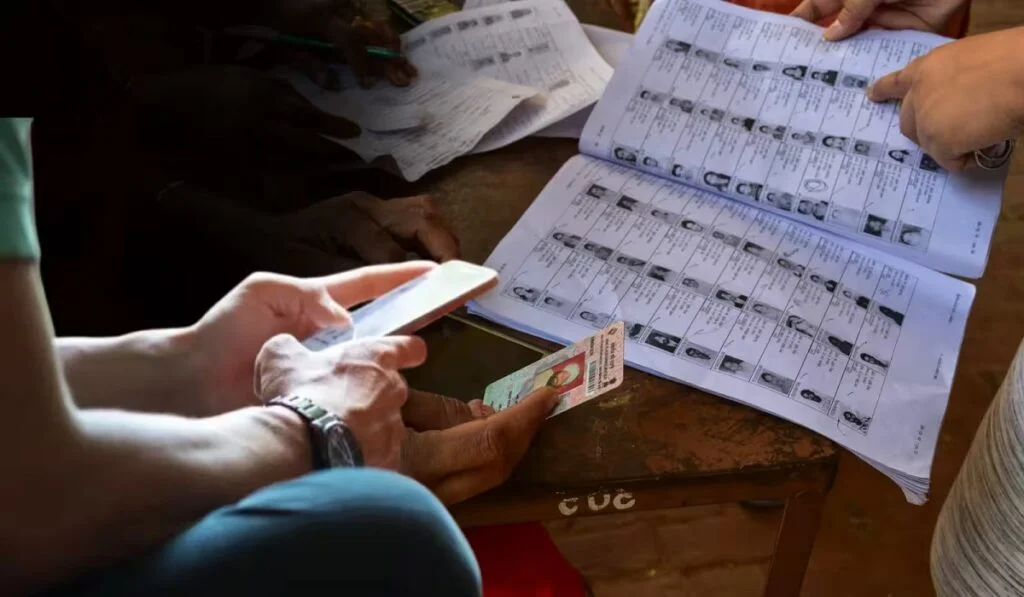
How to Check Your Name in the Voter List: The process of Special Intensive Revision (SIR) of electoral rolls is proceeding rapidly in Delhi. According to the latest data from the Election Commission, the digitization of over 75.72 lakh enumeration forms—representing more than 52% of Delhi’s total 1.45 crore voters—has been completed. Meanwhile, political rhetoric regarding the SIR process in Delhi has intensified. The Aam Aadmi Party (AAP) has questioned the Election Commission and the pre-SIR process, alleging that the names of 14 lakh migrants and poor individuals have been removed from the voter list. If you are a resident of Delhi (or any other state) and are registered to vote in Delhi, and wish to verify whether your name remains on the voter list, you can do so immediately via the Election Commission of India’s (ECI) official portal.
3 Easy Ways to Check Your Name in the Voter List
There are three simple methods to check your name in the voter list using the Election Commission’s official portal, electoralsearch.eci.gov.in.
Check via EPIC Number
Visit the official portal: electoralsearch.eci.gov.in.
Select the ‘Search by EPIC’ option on the homepage.
Enter the EPIC Number found on your voter card.
Select your state, enter the captcha code displayed on the screen, and click the ‘Search’ button to view the information.
Check via Mobile Number
Select the ‘Search by Mobile’ option on the website.
Choose your state and preferred language.
Enter your registered mobile number and click ‘Send OTP’.
Enter the OTP received on your mobile and the captcha code, then click ‘Search’ to view your full details on the screen.
Check via Personal Details
Click on the ‘Search by Details’ option.
Enter your name, relative’s name, date of birth, gender, state, district, and assembly constituency.
Enter the captcha code and click ‘Search’ to view your complete details on the screen. You can also find your name using these digital methods
Apart from the website, you can use the Voter Helpline App and the toll-free helpline number. To search for your name via the Voter Helpline App, download the official app from the Google Play Store or App Store and check the ‘Search Your Name’ section. Additionally, you can obtain details regarding your voter registration by dialing 1950 directly from your phone.
What is the current status of the SIR process in Delhi?
According to the Election Commission of India (ECI) report, forms have been distributed to over 1.44 crore (99.88%) voters across Delhi’s 13 districts so far. Outer North leads the process with 64.34% digitization, followed by South West (62.45%) and West (59.46%) in third place. Meanwhile, the pace of digitization has been recorded as slower in South East (38.51%) and East Delhi (43.57%). The highest number of forms—over 10.13 lakh—have been uploaded in the North East district. If, for any reason, your name does not appear on the list or you encounter issues while submitting the form, you should immediately contact your respective Booth Level Officer (BLO) or the Voter Helpline (1950) to apply for the inclusion of your name. In fact, many forms have not yet been uploaded, which is why some names are missing from the new list. Therefore, you should check the status of your name again a couple of days after the SIR deadline.

