


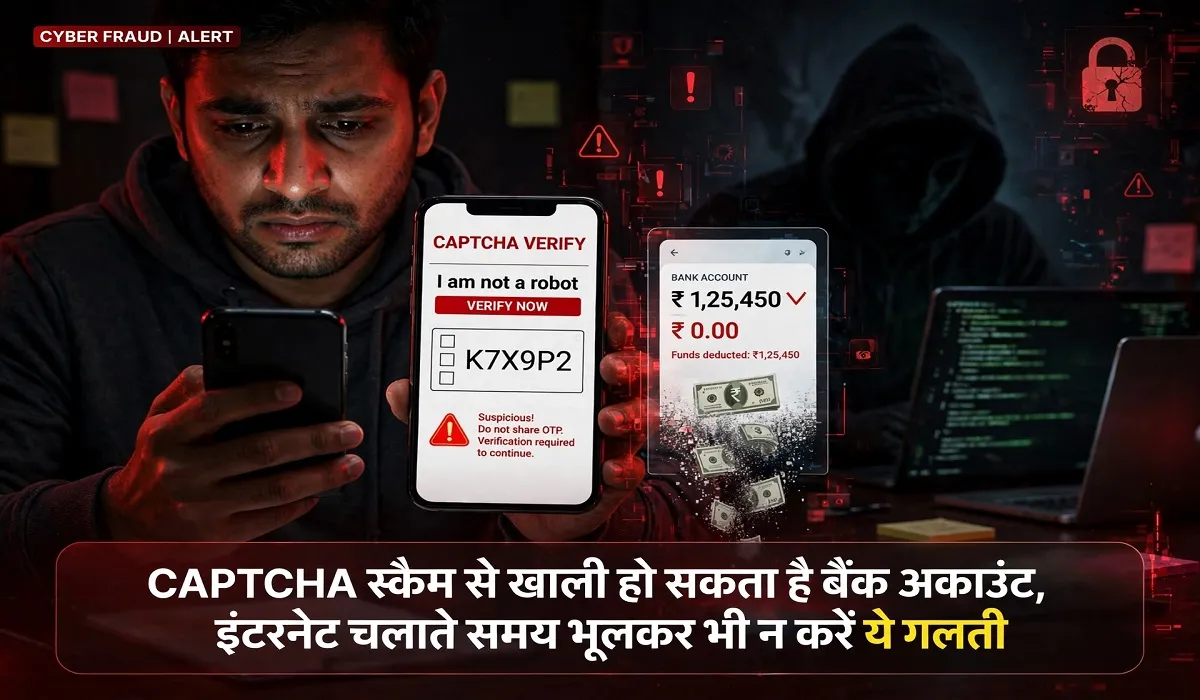
Technology Desk. Cybercriminals are constantly devising new methods to defraud people. Currently, fake CAPTCHA verification pages are being used to target internet users. This type of cyber fraud has been dubbed “ClickFix.” In this scheme, users are presented with a page that mimics a genuine CAPTCHA and are given instructions which, if followed, can lead to the installation of dangerous malware on their computers. Through this, cybercriminals can steal personal information, passwords, and banking-related data. Consequently, it is crucial to exercise caution while using the internet.
What is the CAPTCHA scam, and how does it work?
Typically, CAPTCHA is used on websites to verify whether the person accessing the site is a human or an automated program. This often involves tasks like identifying images or typing out a sequence of characters.
In the “ClickFix” scam, however, cybercriminals replicate this process. A user encounters a fake “human verification” page on a website. Upon clicking it, the user is prompted to perform actions such as pressing specific keyboard shortcuts and pasting commands into their computer. These instructions are not part of any legitimate verification process; rather, they are designed to deceive the user.
A single mistake can lead to malware installation on your computer.
In this scam, the fraudulent CAPTCHA page may copy a malicious command into the user’s clipboard. The user is then instructed to open the “Run” dialog box (using the Windows + R shortcut), paste the command (using Ctrl + V), and execute it.
While the user may believe they are simply completing a verification process, these actions can trigger the execution of malicious code on their computer. This code can then download and install dangerous software without the user’s knowledge. Microsoft’s security research team provided information about such attacks in an analysis published on August 21, 2025. According to the report, the “ClickFix” campaign uses fake CAPTCHA pages and browser error messages to trick individuals into executing commands on their computers. This method has also been used to distribute malware, such as the “Lumma Stealer.”
What are the risks once the malware is installed?
Once malicious code is active on a computer, it can connect to the attackers’ servers and download additional dangerous files. This allows attackers to gain access to a user’s passwords, information saved in their browser, and other sensitive data.
A joint advisory from the FBI, CISA, the U.S. Department of Health and Human Services (HHS), and the Multi-State Information Sharing and Analysis Center (MS-ISAC) also highlights these types of cyberattacks. According to an advisory issued in July 2025, attacks involving “Interlock” ransomware used fake CAPTCHA prompts to trick users into executing commands via the Windows “Run” dialog box.
This fraudulent activity is not limited to CAPTCHA pages. Cybercriminals may also lure victims by mimicking browser crash messages, document services, or platforms like Discord. These pages are crafted to appear completely authentic.
Precautions to avoid the “ClickFix” scam:
Do not copy, paste, or execute commands on your computer based on instructions from an unfamiliar website.
Be cautious if you are prompted to open the Windows “Run” dialog, PowerShell, or a terminal for the purpose of “CAPTCHA verification.”
Keep your antivirus and security software up to date.
Do not trust pop-ups or unexpected troubleshooting instructions that appear on unfamiliar websites.
Avoid opening any suspicious links or files. If you have inadvertently followed such instructions, [disconnect] the affected computer from the internet.

