


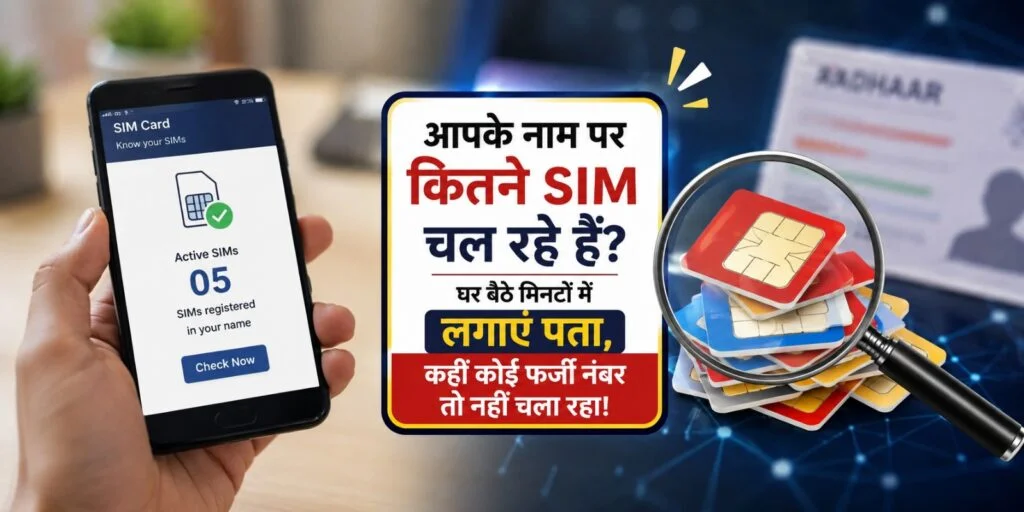
In light of the rising incidence of cybercrime in India, the central government is raising public awareness about online safety. People are being advised to exercise caution while using smartphones and making digital payments. Additionally, the government is implementing strict regulations for bank officials and telecom companies to curb online fraud involving fake bank accounts and “mule” accounts. However, preventing cybercrime is not solely the government’s responsibility; citizens should also educate the elderly and less literate members of their families about digital fraud. Furthermore, one should periodically check to ensure that no unknown mobile numbers are active in their name. With this objective in mind, the central government launched the Sanchar Saathi web portal and mobile app. These tools allow individuals to easily find out how many mobile numbers are registered in their name.
Download the Sanchar Saathi App
The Sanchar Saathi app is available on the Google Play Store for Android and the Apple App Store for iPhone users. Users can also access this service via the official website. When downloading the app, ensure it is published by the Department of Telecommunications (Government of India), as there are several fake apps with similar names on the Google Play Store.
How to Check SIMs Registered in Your Name
To do this, first open the Sanchar Saathi app or website. Then, select the “Know Mobile Connections in Your Name” option.
Enter your first name and surname/last name, then tap “Submit.” The app will send the information to the government-authorized database.
Details of the mobile connections registered in your name will appear on the screen shortly.
Useful Even if Your Phone is Stolen
The Sanchar Saathi app can also be used to block a stolen or lost mobile phone. To do this, the user must enter the phone’s 15-digit IMEI (International Mobile Equipment Identity) number into the app. The phone will then be blocked, preventing it from being used with a new SIM card.

