


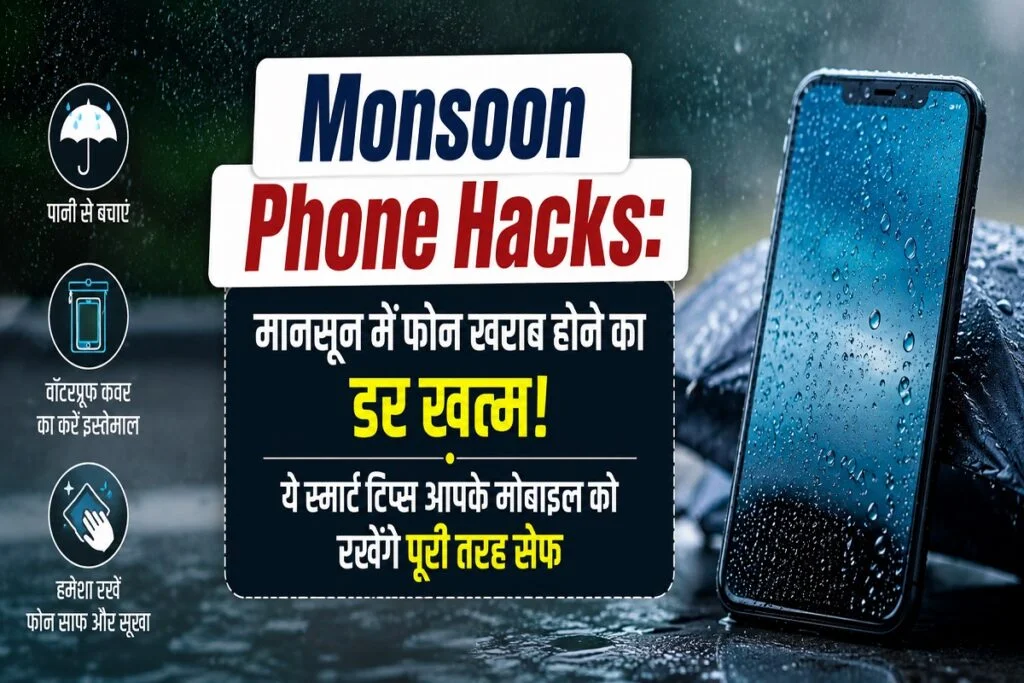
Monsoon Phone Hacks: Smartphones have become an essential part of our daily lives. From banking and office work to studying, navigation, payments, media, and chatting, almost everything is done via the phone. However, the arrival of the monsoon brings the worry of the phone getting wet. Even a small amount of water can cause significant damage. If you want to keep your phone safe during the rains, be sure to try these simple and practical tricks.
Waterproof Phone Pouch
When heading out in the rain, place your phone in a waterproof pouch first. This prevents the phone from coming into direct contact with rainwater. The best part is that you can still make calls, check maps, use apps, and operate the screen easily through the pouch. These are readily available in the market and on quick-commerce platforms.
Dry Charging Cable
If your phone gets wet, do not plug it in to charge immediately. Moisture in the charging port can damage internal components and trigger safety warnings. Allow the phone and the charging port to dry completely first. The same applies to wired earphones; use them only after the cable and port are dry.
Shockproof Case
Roads become slippery during the monsoon, increasing the risk of dropping your phone. A shockproof case significantly protects the phone from damage caused by drops. A case with raised edges offers extra protection for the screen and camera, while also providing some defense against light rain.
Microfiber Cloth
Raindrops and fingerprints can smudge the screen and camera lens. Use a microfiber cloth to clean your phone; it allows you to wipe the screen and camera easily without causing scratches.
Silica Gel Packets
If you are traveling, keeping silica gel packets in your bag or phone case is a great option. They absorb excess moisture and help protect electronic devices from dampness. Dry Storage
Often, water doesn’t spill directly onto the phone, but moisture can seep in from wet clothes. Therefore, always keep your phone in a dry section of your bag or in a compartment free from moisture and extreme heat or cold.
IP Rating
Not all smartphones offer the same level of water resistance. So, be sure to check the IP rating when buying or using the phone; this indicates the extent of water exposure your phone can withstand. Remember, “water-resistant” does not mean “waterproof

