


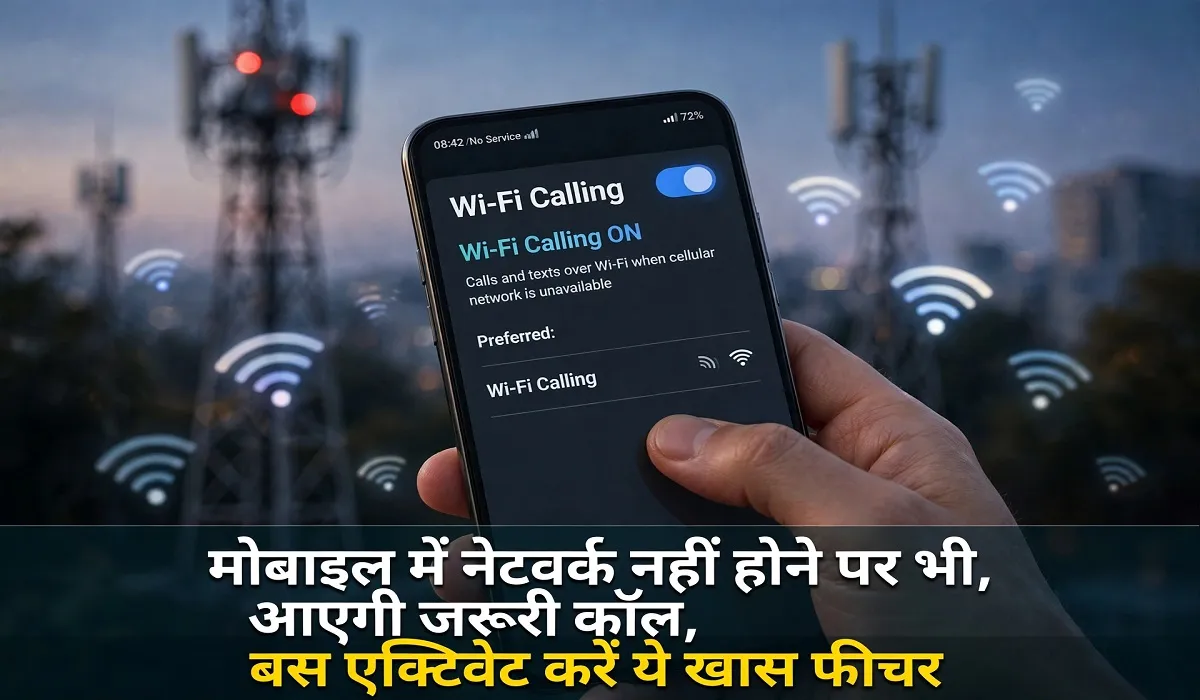
Weak mobile network signals can often lead to dropped calls or poor audio quality. Making calls can be particularly difficult indoors, in basements, or in buildings where mobile signals struggle to penetrate. However, the ‘Wi-Fi Calling’ feature available on smartphones can largely resolve this issue. It allows users to make regular voice calls over a Wi-Fi internet connection, even when the mobile network is weak. There is no need to download any separate app to use this feature.
In India, telecom operators like Airtel and Reliance Jio offer Wi-Fi Calling to their customers. To use this feature, you simply need to activate it through your smartphone’s settings. Let’s explore what Wi-Fi Calling is and how you can enable it on both iPhone and Android devices.
What is the Wi-Fi Calling feature?
Wi-Fi Calling is a technology that enables users to make standard phone calls using a Wi-Fi internet connection instead of a mobile network. It uses the user’s existing mobile number, meaning there is no need for a separate app or a new account to make calls.
Typically, mobile phones rely on signals from nearby telecom towers to place calls. With Wi-Fi Calling enabled, the phone routes the call through a Wi-Fi network to the telecom operator. This ensures better call quality, even in locations where mobile network coverage is weak.
How to enable Wi-Fi Calling on an iPhone?
iPhone users can activate this feature by following the simple steps below:
First, go to the ‘Settings’ app on your iPhone.
Tap on the ‘Cellular’ (or ‘Mobile Data’) option.
If your phone uses two SIM cards, select the specific number for which you wish to enable Wi-Fi Calling.
Tap on the ‘Wi-Fi Calling’ option.
Toggle on the switch for ‘Wi-Fi Calling on This iPhone’. If a confirmation prompt appears on the screen, accept it.
Next, connect your phone to an available Wi-Fi network.
Once the feature is activated and available on the network, a Wi-Fi indicator may appear in the iPhone’s Control Centre, alongside the name of your telecom operator.
How to activate it on an Android phone?
Enabling Wi-Fi Calling on an Android smartphone is also a simple process. However, the names and locations of these settings may vary slightly depending on the manufacturer.
First, open the Settings on your smartphone.
Then, navigate to the ‘Network & Internet’ option.
Tap on ‘SIMs’ or ‘SIM Settings’.
Select the SIM for which you wish to enable Wi-Fi Calling.
Now, go to the ‘Wi-Fi Calling’ option.
Toggle the feature on.
Connect your phone to a stable Wi-Fi network.
On Samsung Galaxy smartphones, this option can be found under the ‘Connections’ section in Settings. To access it, open Settings, tap on ‘Connections’, and then select ‘Wi-Fi Calling’.
Once the feature is enabled, users can make calls directly using the phone’s standard dialer—there is no need for WhatsApp or any other internet-based calling app.
Note: To use Wi-Fi Calling, your telecom operator, SIM, and smartphone…

