


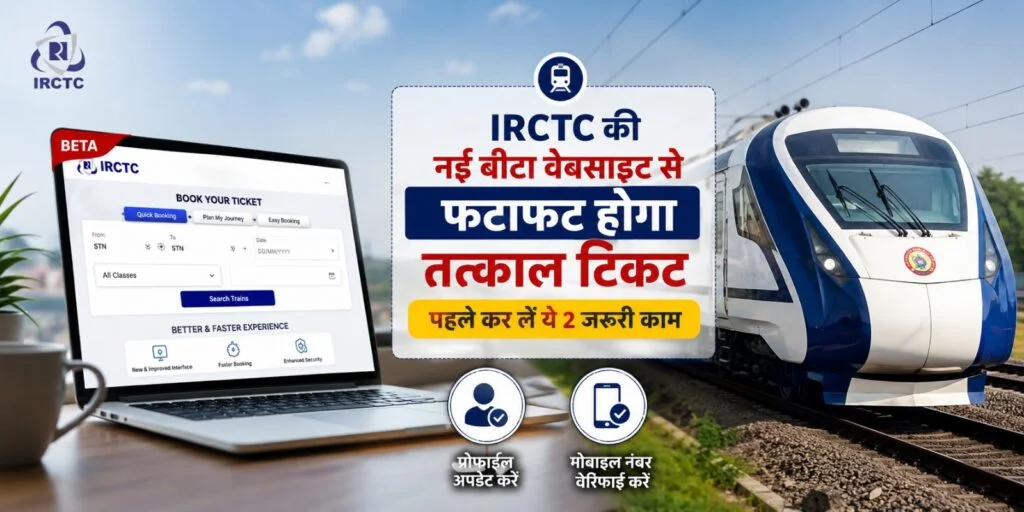
IRCTC has recently launched the beta version of its new website. Everything from the design to the features has been upgraded. Indian Railways’ new website has currently been launched for testing purposes. Through this platform, you can book both regular and Tatkal tickets. If you are logging into this new website for the first time, you will need to complete a verification process; after that, you will be able to book tickets easily.
To make the new IRCTC website user-friendly, several sections have been integrated so that users can access all information in one place. Users can navigate the new beta website with ease, and security measures have also been enhanced.
First Steps
After logging into the new IRCTC beta website for the first time, you must verify your email address and mobile number. You cannot book any tickets via the new website without verification. You will only be able to fully access the new website once verification is complete.
To do this, log in and click on the user ID option located on the right side.
Go to ‘My Profile’ and click on the ‘Authenticate User’ option.
If your Aadhaar card is already verified or linked, it will be displayed here.
Otherwise, you will need to enter your Aadhaar card details to authenticate it.
Aadhaar Authentication Required for Tatkal Tickets
According to new Indian Railways rules, you cannot book Tatkal tickets using your IRCTC account without Aadhaar authentication. If your Aadhaar card is linked to your account and you have already authenticated it, you can easily book Tatkal tickets. If you have not yet authenticated your Aadhaar with your account, you can do so by following the steps below.
Major Update from Indian Railways: Every move of the TTE (Travelling Ticket Examiner) will now be recorded on camera; ticket checkers in the Raipur division will wear body cameras.
After visiting the new website, you must log in first. Next, you need to click on the User ID displayed at the top right.
Then, after navigating to ‘My Profile’, click on ‘Authenticate User’.
You will then receive an OTP on the mobile number linked to your Aadhaar card.
After verifying the OTP, you must authenticate your Aadhaar card.
You can then book Tatkal tickets through the new website.

