


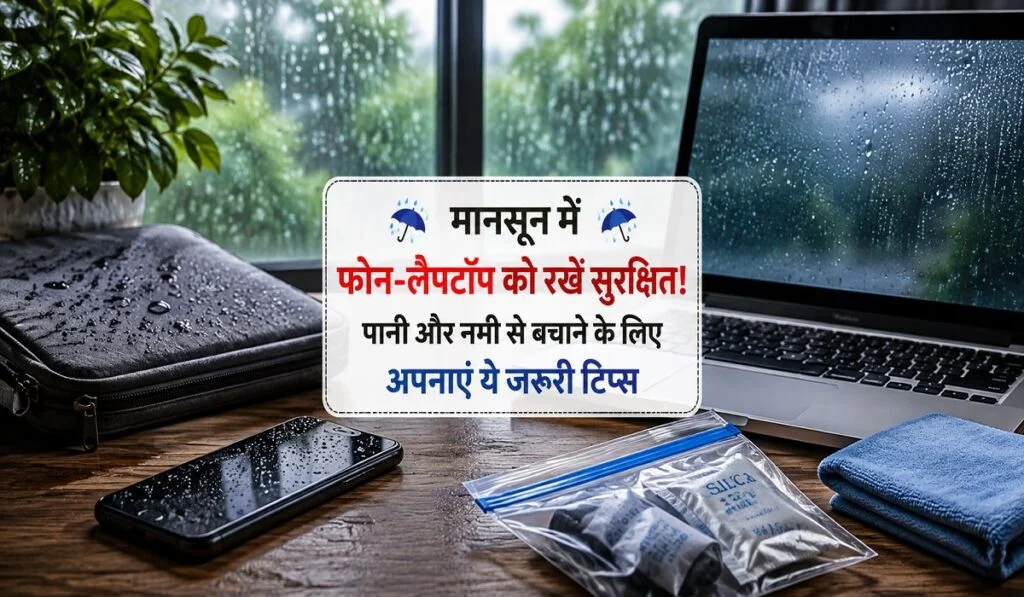
Monsoon Gadget Care: While the monsoon brings relief from the heat, it also increases risks for electronic gadgets. Sudden downpours, wet clothing, moisture accumulating in bags, and high atmospheric humidity can damage devices like smartphones and laptops. Crucially, water damage isn’t always immediately apparent; moisture can gradually affect components like charging ports, speakers, keyboards, and internal circuitry.
What poses the greatest risk to phones and laptops?
It isn’t just direct exposure to rain that endangers gadgets; wet pockets, damp bags, and high humidity levels can also cause problems. In smartphones, moisture can easily seep into areas like the charging port, speaker, and camera module. For laptops, the keyboard, touchpad, USB ports, speakers, and ventilation vents are particularly vulnerable. Additionally, moving suddenly from an air-conditioned room into humid outdoor air can cause moisture droplets to form inside the device. Therefore, during the monsoon, it is essential to protect gadgets not just from raindrops, but from moisture in general.
How to protect your smartphone from the rain
Use a waterproof case: The easiest way to keep your phone safe during the rain is to use a high-quality waterproof or water-resistant case. Even if your phone is already water-resistant, an extra case provides added security. Prioritize cases that feature a tight seal around the charging port; this minimizes the risk of raindrops or splashes reaching the phone directly.
Keep it in a waterproof pouch or dry bag: If you commute by bike or scooter, or spend time outdoors during heavy rain, a waterproof pouch is incredibly useful. Storing your phone in a dry, sealed pouch is far safer than keeping it directly in your trouser pocket. The advantage of a transparent waterproof pouch is that you can use the phone’s screen without taking the device out. This is particularly useful while traveling.
Do not charge a wet phone immediately: This is one of the most important precautions during the monsoon. If your phone has gotten wet in the rain or moisture has entered the charging port, do not connect it to a charger right away. Moisture in the port can cause issues during charging. Allow the phone to dry completely before attempting to charge it.
How to keep your laptop safe in the rain
Protecting a laptop from rain is even more critical than protecting a smartphone, as it contains sensitive components such as the keyboard, touchpad, speakers, and USB ports.
Carry it in a waterproof backpack: During the monsoon, it is better to use a waterproof or water-resistant laptop backpack instead of a regular one. The bag should have a dedicated laptop compartment to provide extra protection for the device against other items. Most importantly, do not place wet umbrellas, raincoats, or clothes in the same compartment as the laptop; moisture can seep inside even if the bag looks dry from the outside.
Protect the keyboard from water and moisture: The keyboard is the most exposed part of a laptop. Avoid using the laptop with wet hands during the rain, as even a few drops of water can seep in through the keys. Additionally, after removing the laptop from a wet bag, let it sit in a dry place for a while before using it. If water spills on the keyboard, shut down the laptop immediately and do not attempt to use it until it has dried completely.
Pay attention to USB and charging ports: Like phones, laptops can accumulate moisture in their USB and charging ports. Avoid plugging chargers or USB accessories into wet ports. Also, do not use pins, needles, or any sharp objects to clean the ports. This can damage the connectors inside the port. If you notice moisture, turn off the device and let it air-dry naturally.
Keep speakers and ventilation areas dry: Laptop and phone speakers have tiny holes. Moisture entering these can impair sound quality. Similarly, moisture ingress in the laptop’s ventilation areas is problematic. If the sound quality changes or the laptop behaves abnormally after exposure to rain, do not ignore it.
Don’t overlook the touchpad: The laptop’s touchpad can also be affected by moisture. Using the touchpad continuously with wet fingers can lead to touch-response issues. Therefore, dry your hands thoroughly before using the laptop. If water spills on the touchpad, wipe it gently with a microfiber cloth and turn off the device if necessary.
Excessive humidity can also cause damage
Smartphones and laptops can sustain damage during the monsoon even without direct contact with water. This is due to high humidity levels in the air. Moisture can gradually seep in through charging ports, speakers, and other openings, potentially causing issues like corrosion over time. Fogging inside the camera lens can also indicate moisture ingress. Avoid keeping gadgets in highly humid environments for extended periods. Placing silica gel packs in your laptop bag or gadget pouch can help control humidity.
What to do immediately if your phone gets wet
If your phone falls into water or gets thoroughly soaked in heavy rain, switch it off immediately. Continuing to use the phone can exacerbate damage caused by internal moisture. After turning off the phone, remove the cover and…

