


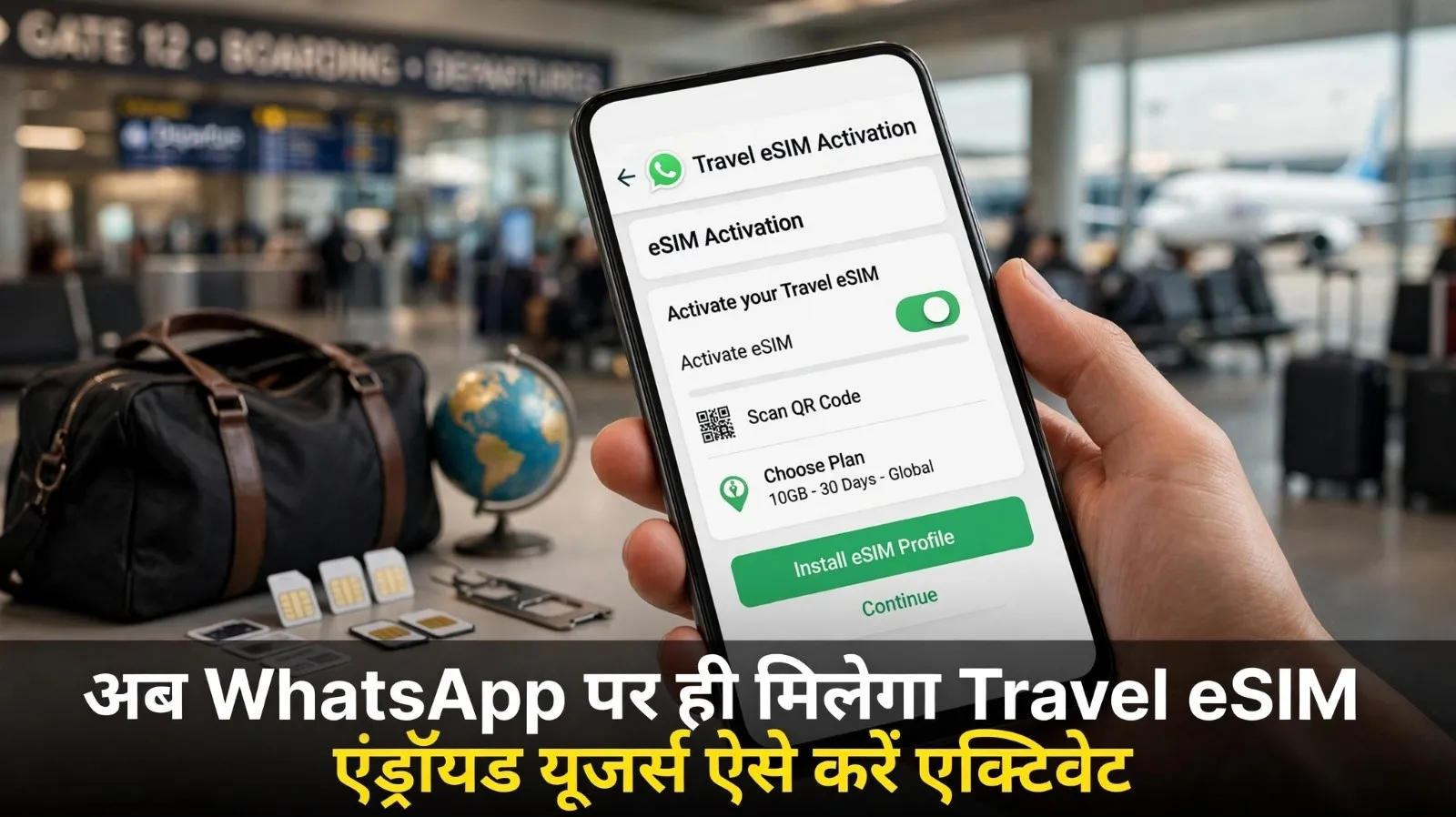
Technology Desk – WhatsApp has introduced a new feature for those traveling abroad. With this, users can purchase and install a ‘Travel eSIM’ directly within the app. They can then select a data plan tailored to their specific needs and the duration of their trip. Users do not need to visit a mobile store or any external website to access this service. Notably, installing the eSIM will not affect the user’s existing WhatsApp account or phone number; both will remain unchanged.
Available for both Android and iOS users
WhatsApp’s Travel eSIM feature is particularly useful for frequent international travelers. It allows users to purchase internet data plans for their travel destinations. To facilitate this, the company has partnered with various international data providers, including Jio, Smart Axiata, Smart Communications, Verizon, and 1Global.
Where to find the Travel eSIM option on Android phones?
Users can access the ‘Travel eSIM’ section by navigating to their WhatsApp ‘Account Settings.’ From there, they can search for their intended travel destination by entering the country’s name in the search bar.
Alternatively, users can browse destinations through categories such as ‘Popular,’ ‘Countries,’ ‘Regional,’ and ‘Global.’ Once the eSIM is installed, users can select data plans for future trips based on their specific requirements.
How to select your preferred data plan
After selecting a destination, WhatsApp will display the available data plans for that country. Generally, users will encounter two types of options:
Fixed Data Plans: These include packs with a set data limit and varying validity periods.
Unlimited Data Plans: These offer internet access without a fixed data limit for a specified duration.
Once a plan is selected, users simply need to tap ‘Buy Plan.’ The screen will then display the full details of the plan, the chosen destination, and the total cost. From here, users can proceed with the purchase process.
How to install an eSIM after purchasing a plan
Once a plan is purchased, users will see an ‘Install eSIM’ option. WhatsApp recommends using a Wi-Fi connection during the installation and keeping the app open.
Tapping on ‘Install eSIM’ will initiate the installation process, which can be completed in just a few seconds. If any issues arise, users can seek assistance via the ‘Get Help’ option provided on the screen.
When should you activate the eSIM after installation?
A green tick will appear on the screen once the eSIM has been successfully installed. The new eSIM will also become visible in the phone’s settings. However, it is not necessary to activate it immediately.
WhatsApp advises users to activate the eSIM only after reaching their destination, ensuring that the data plan begins at the right time. In the meantime, users can continue using WhatsApp with their existing mobile number.
When will the Travel eSIM feature be available?
WhatsApp is preparing to launch this feature in select countries. Specific details regarding which countries will have access to this feature initially have not yet been disclosed. The company is working to make it available for both Android and iOS users.
Once this feature is launched, it will become easier for those traveling abroad to purchase internet data plans and install an eSIM. However, the user’s phone must support eSIM functionality to utilize this feature.

