


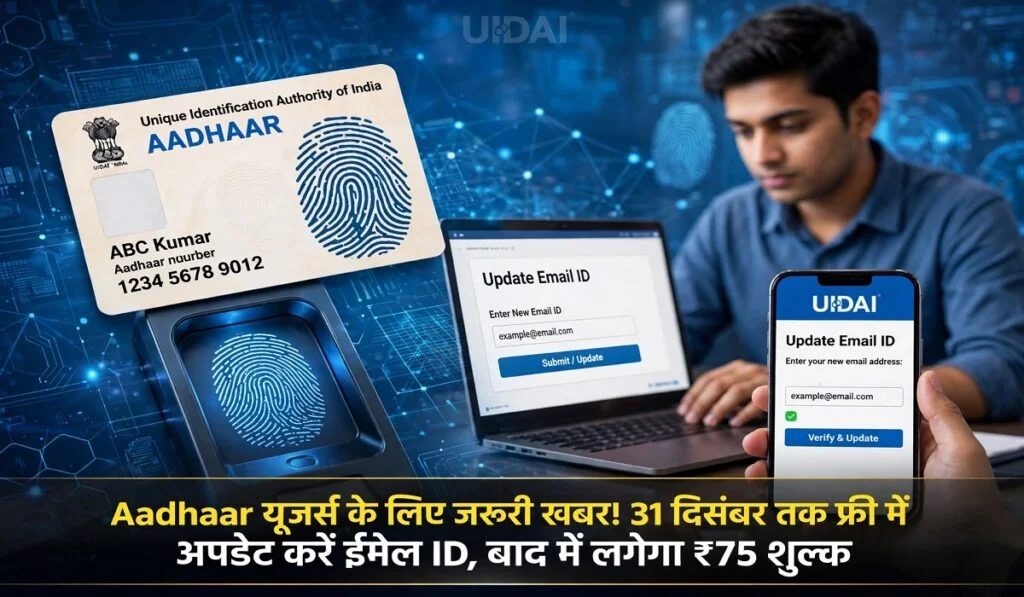
Tech Desk: The Aadhaar card is one of the most essential documents today. It is required for a wide range of purposes, from banking and government schemes to various other important tasks. Given this, it is crucial that the information recorded in your Aadhaar is accurate and up-to-date. If you have not yet linked an email ID to your Aadhaar, or if you wish to change an existing email address, there is good news for you.
According to information provided by the UIDAI, the facility to add or update an email ID in your Aadhaar is free of charge until December 31, 2026. After this date, a fee of ₹75 may be applicable for this service. Notably, you no longer need to visit an Aadhaar center for this task; you can submit a request to update your email from the comfort of your home using the official UIDAI Aadhaar app.
What is required to update your email?
To add a new email address or change an existing one, you must have the official Aadhaar app installed on your smartphone. Additionally, you will need the following:
A mobile number linked to your Aadhaar, to receive an OTP for login.
A new email address, where an OTP for verification will be sent.
Your smartphone’s front camera, to complete the face authentication process.
Only after completing these steps will you be able to submit your request to update your email.
How to update your email ID via the Aadhaar app: The complete process
Step 1: Download the official Aadhaar app on your smartphone. If you already have the app, log in using your 6-digit PIN or your phone’s biometric authentication. New users will need to enter their 12-digit Aadhaar number.
Step 2: Once you enter your Aadhaar number, an OTP will be sent to your registered mobile number. Enter this OTP into the app to complete the login process.
Step 3: After logging in, navigate to the ‘Services’ section within the app and select the option to update your email. Enter your new email address there. Step 4: An OTP will be sent to your new email address. Check your email inbox for the OTP, then enter it into the app to complete the verification.
Step 5: Next, complete the face authentication process. This will use your phone’s front camera; follow the on-screen instructions to verify your face. Finally, carefully review the email address you have entered, and if all the information is correct, submit your update request.
In this way, you can submit a request to update your email ID from the comfort of your home using the Aadhaar app.

